One register for every information asset
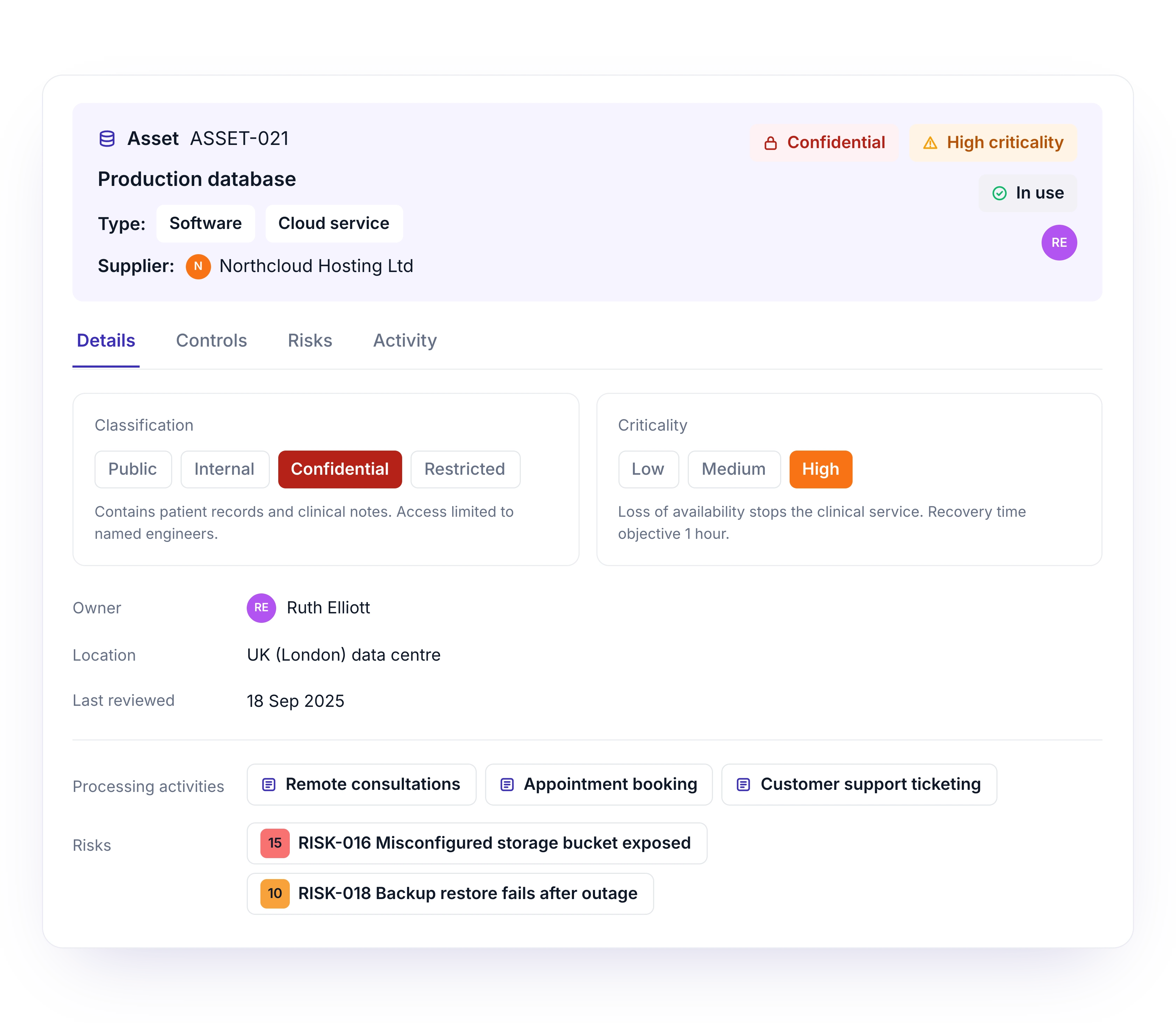
Record servers, databases, cloud services and other information assets, with their type, supplier, classification and criticality.
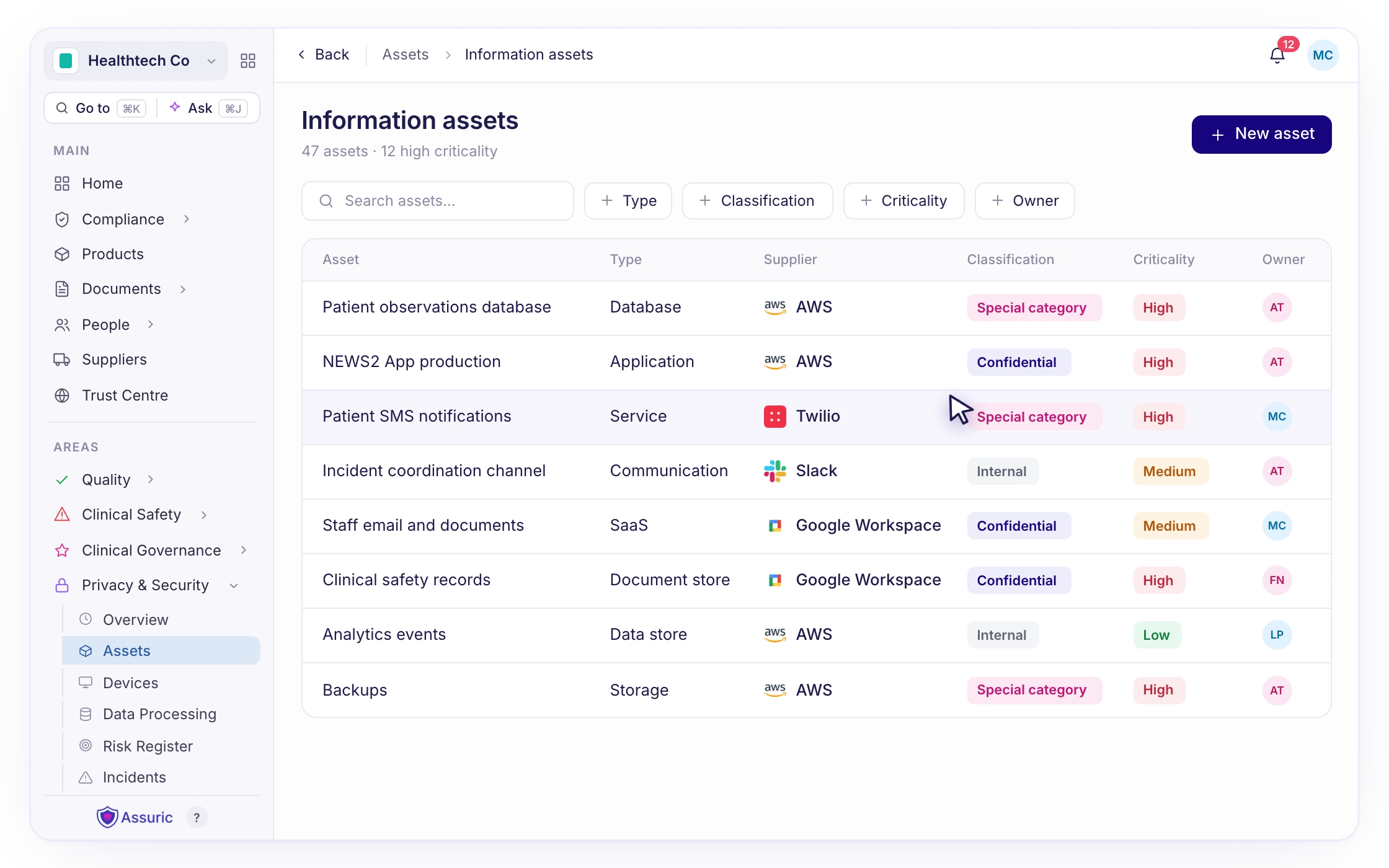
Track every information asset and device in one place, including all relevant security information.
Trusted bysecurity teams


Features
Record servers, databases, cloud services and other information assets, with their type, supplier, classification and criticality.
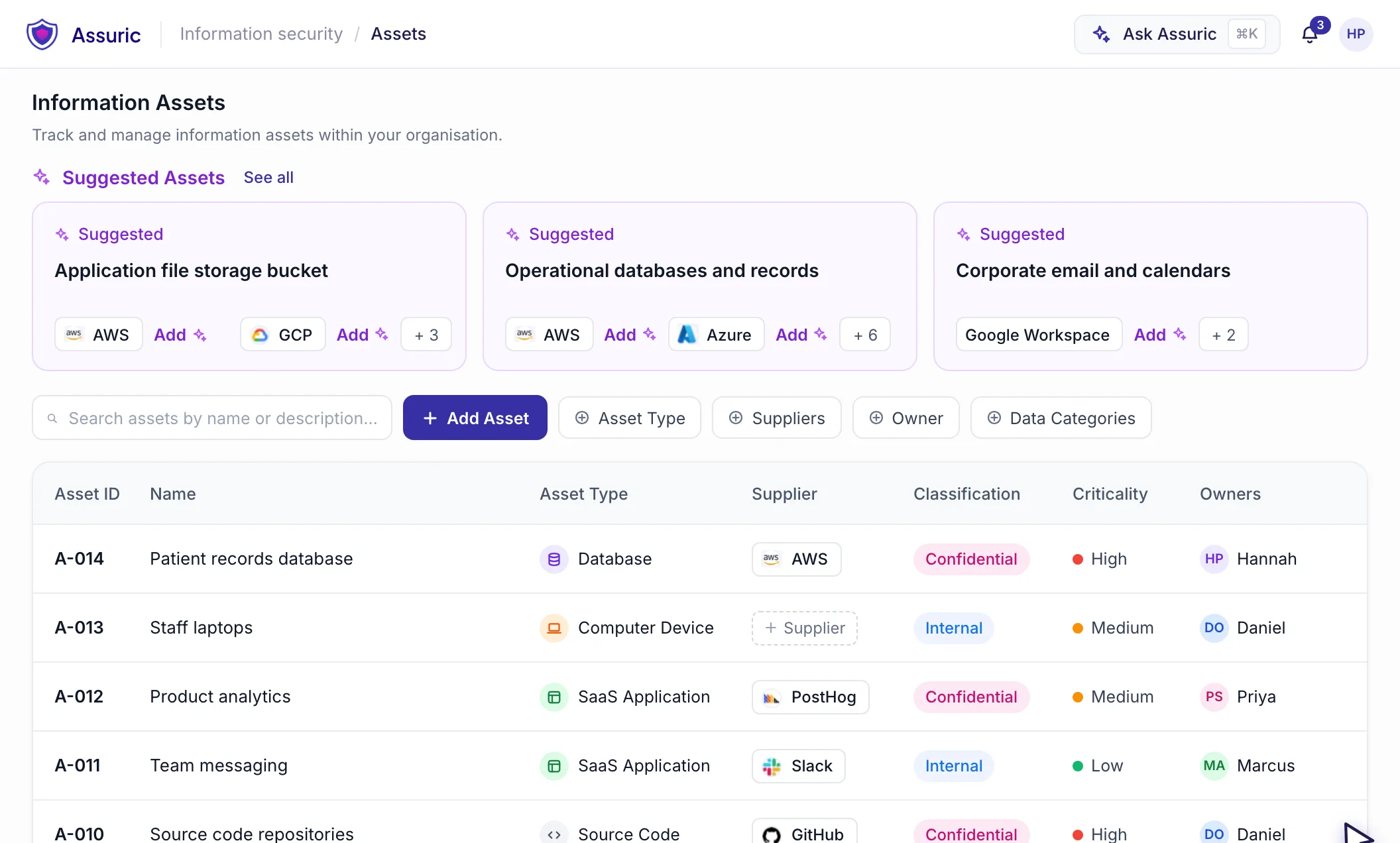
Add assets based on your context, or from our built-in asset library. Let AI and automation keep things current based on what’s already in your workspace, so your register reflects how you actually work.
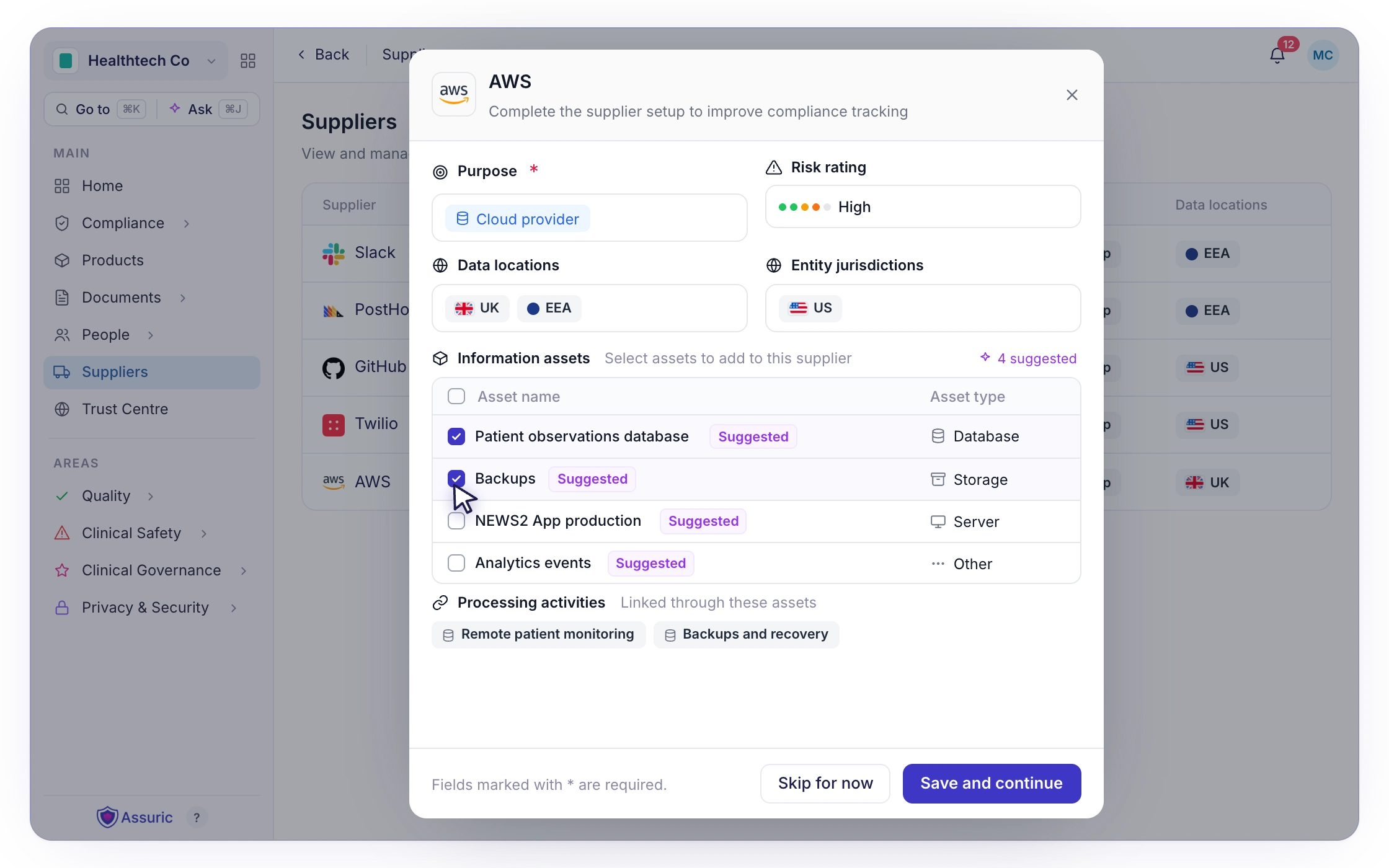
Connect each asset to its supplier, the processing activities it supports and the risks that affect it, with full traceability across your workspace.
Keep computers and mobile devices in the same register, with make, operating system and whether each one is personal or company-issued.
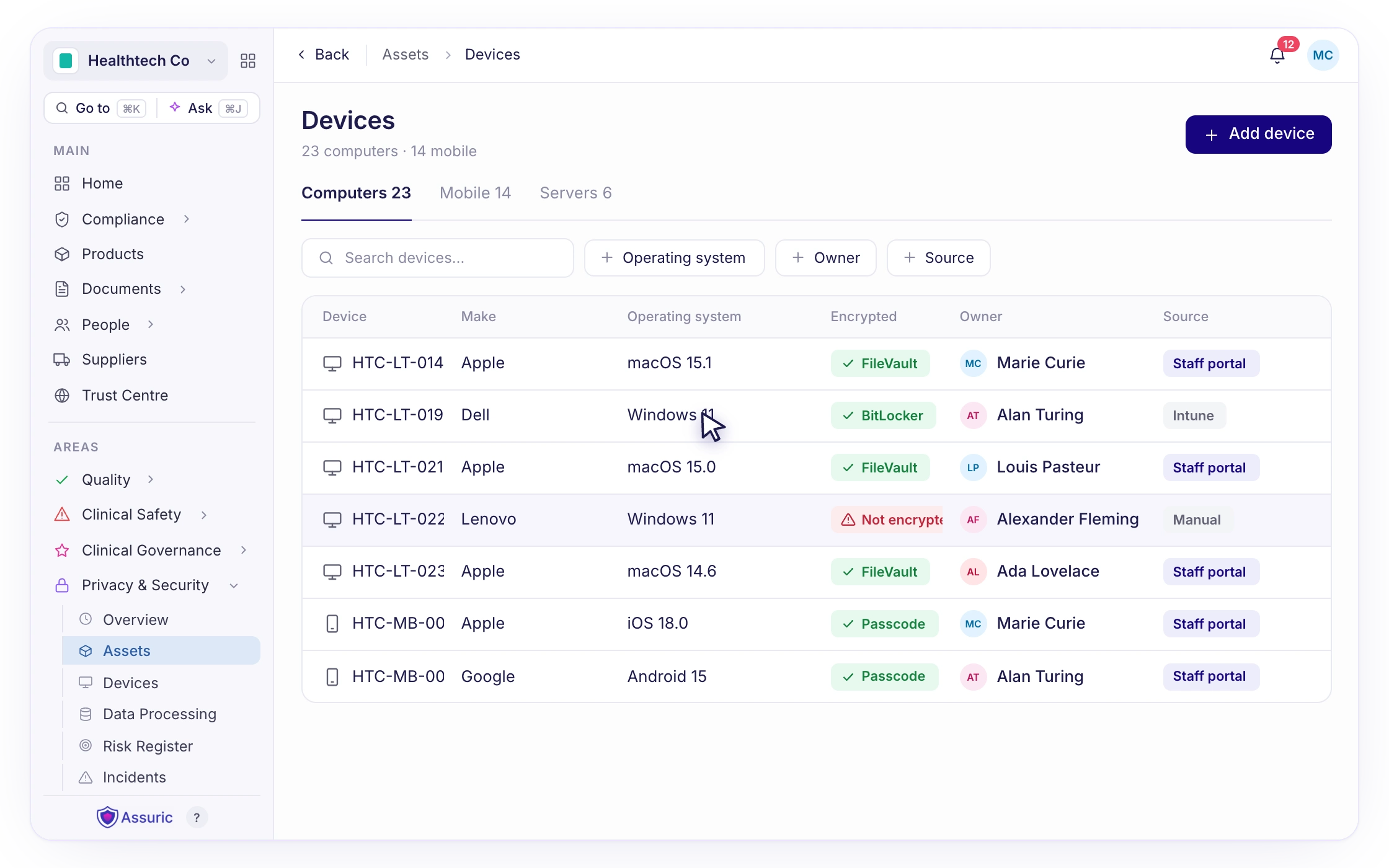
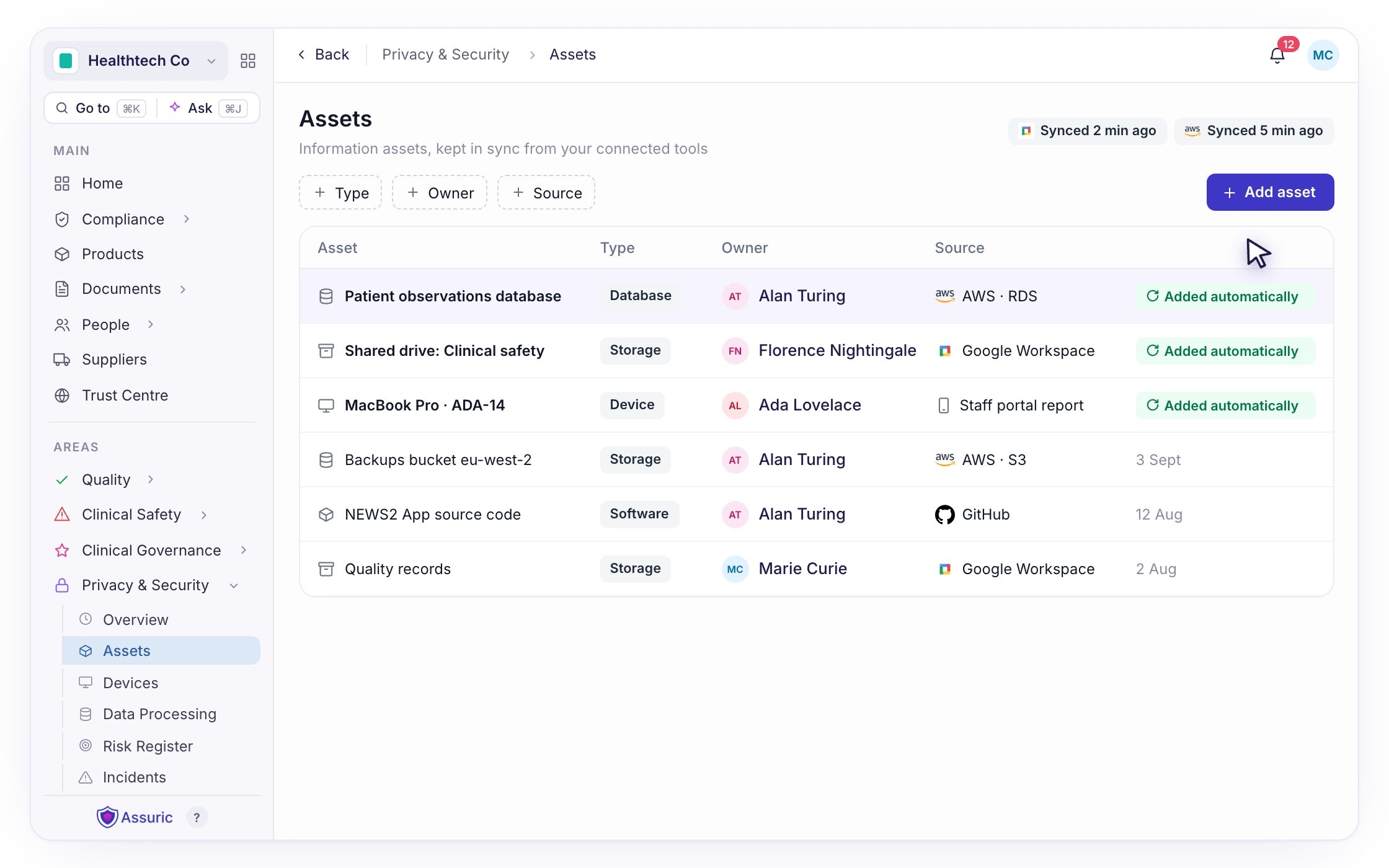
Staff register their devices through the Staff Portal, and they appear in your asset register automatically, with their source recorded.
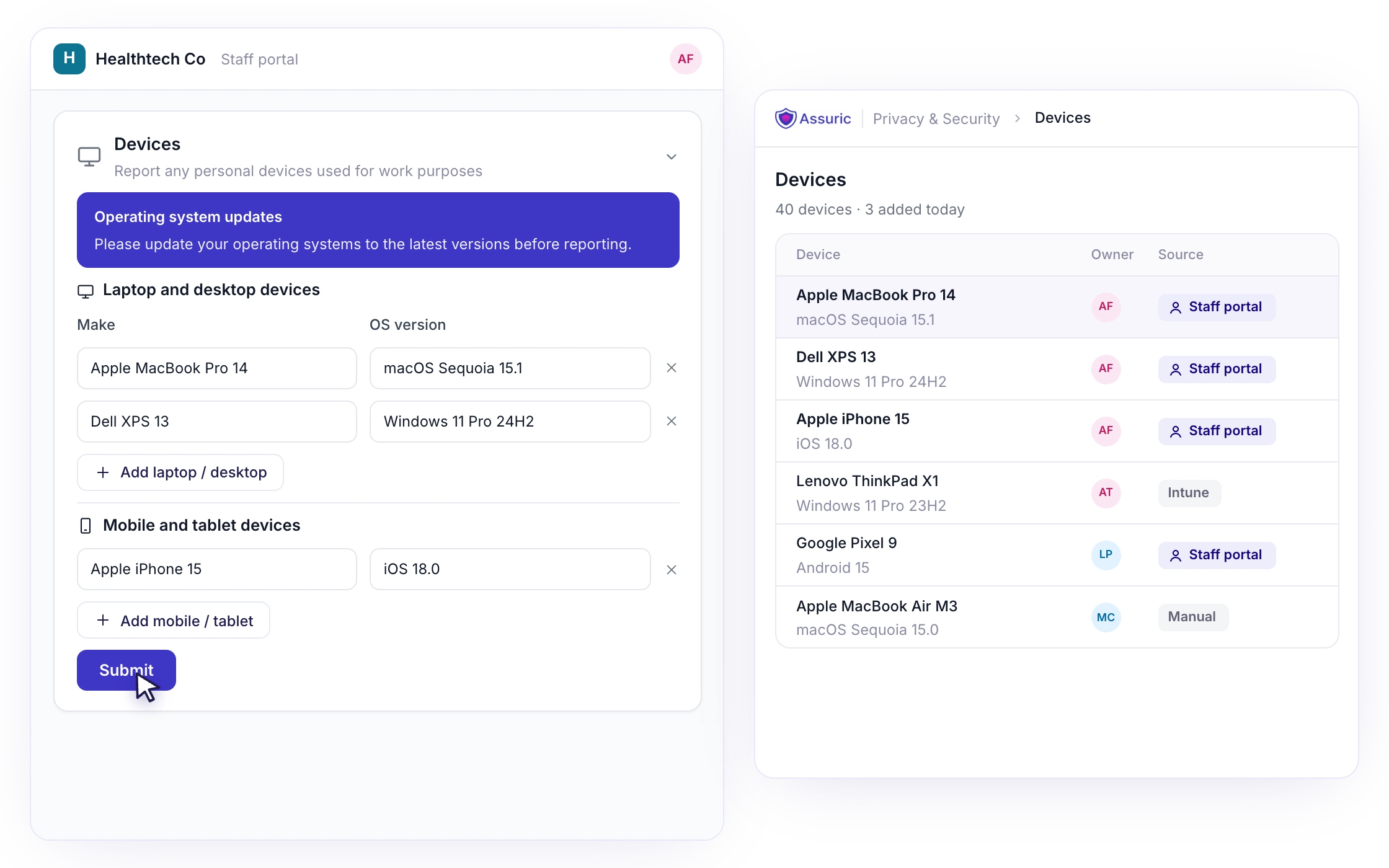
Device and operating system details populate assessment questionnaires (such as Cyber Essentials) automatically, and your register is ready as the asset inventory that ISO 27001 and SOC 2 auditors ask for.
Benefits

The asset library, AI and staff device reporting take care of the repetitive work, so keeping your register current takes minutes, not a quarterly clean-up.
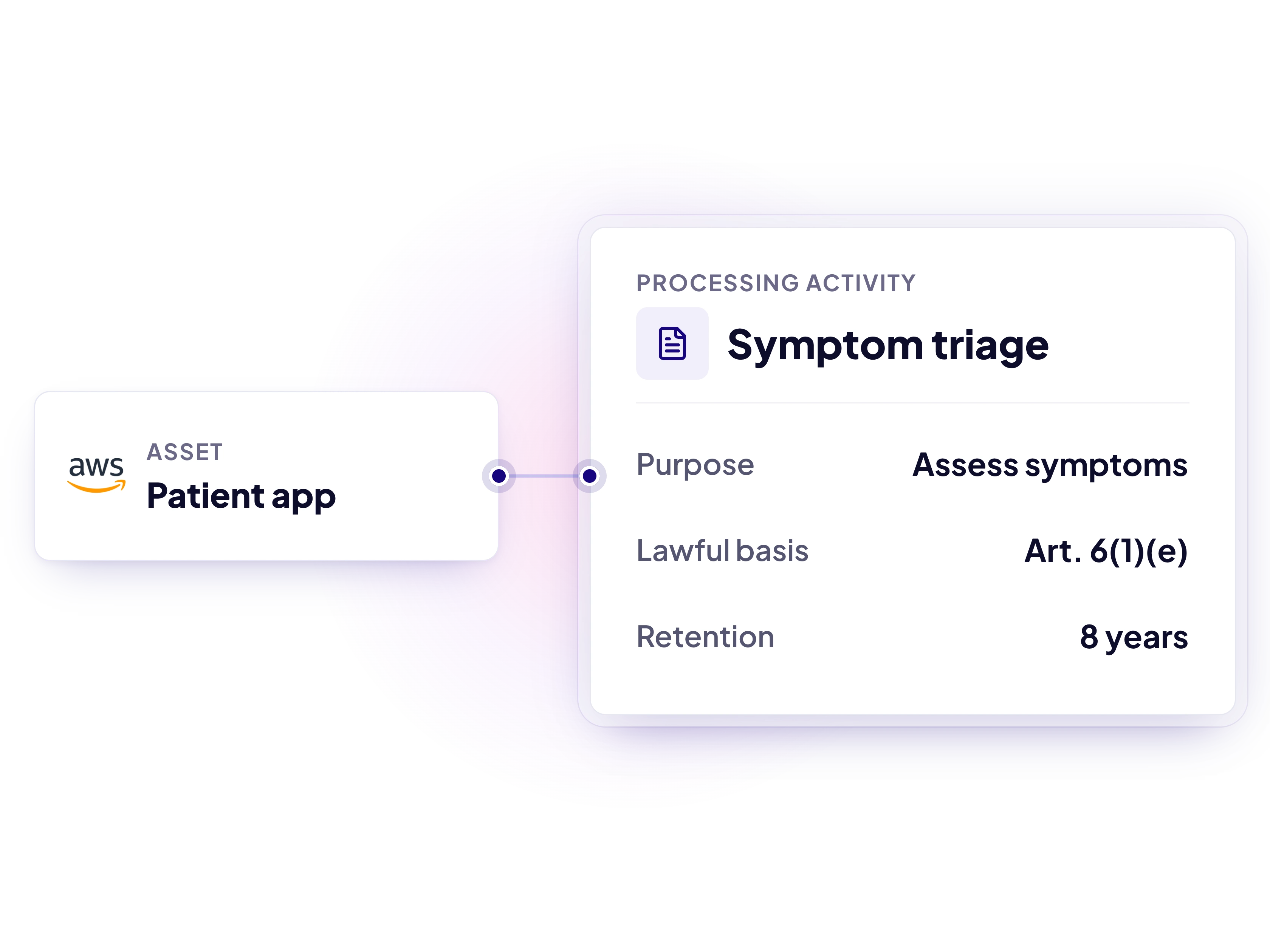
Your assets, devices and the suppliers, processing activities and risks linked to them stay up to date, so Cyber Essentials, ISO 27001 and SOC 2 assessments run on what’s already in Assuric, not a last-minute scramble.

Every asset and device in one live view, with out-of-date devices easy to spot and each asset linked to its risks, so nothing falls through the cracks.

Show a mature, well-managed approach to information security when NHS buyers, the DSPT or partners ask what you hold and how you protect it.
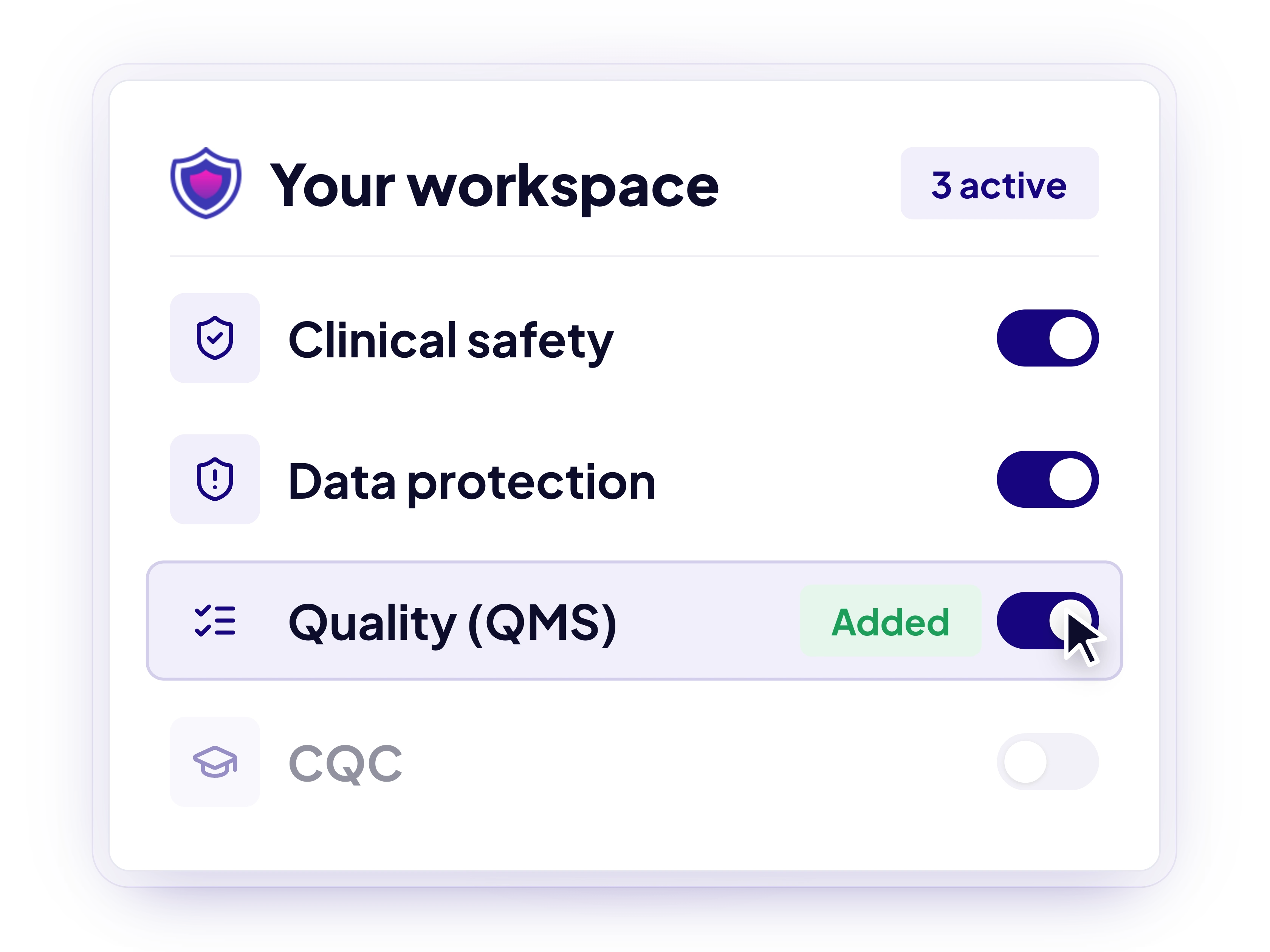
Cover information security alongside UK and EU MDR, NHS compliance, CQC and more, reusing evidence across frameworks instead of starting again.

“We couldn't speak highly enough of both the Assuric team and the platform itself, which is incredibly easy to use, and with the skill and hardworking nature of the Assuric team. They've been a key component in accelerating our progress and deployments!”
Maks Kozarzewski
COO, VitVio

“The Assuric platform is a game changer in the clinical risk management field. It has been carefully designed to make the job of a CSO significantly more streamlined. The team are excellent and responsive to any product suggestions I have requested, and it has been a pleasure to work with them.”
Paul Llewellyn
CCIO, Accenture

“Assuric has been fantastic in helping us quickly and safely navigate regulatory compliance in the UK. From completing Cybersecurity requirements to DSPT, DCB0129, and DTAC, the team was supportive, extremely knowledgeable, and the platform made everything quick and straightforward. A separate regulatory company we consulted at the beginning even remarked on how quickly we achieved compliance!”
Katie Baker
Director UK & Ireland, Tandem
Overlapping requirements and evidence are mapped across frameworks automatically, so you never do the same work twice.
It’s a record of the information assets your organisation relies on, such as systems, databases, cloud services and devices, with each asset’s type, supplier, classification and criticality. It shows what you need to protect and where your data lives.
Yes. ISO 27001 requires an inventory of information and other associated assets, SOC 2 auditors expect you to identify and manage the assets in scope, and the NHS Data Security and Protection Toolkit (DSPT) expects you to know what information assets you hold and how they are protected.
Anything that stores, processes or gives access to your organisation’s information. That includes hardware such as laptops, phones and servers; software and cloud services such as Google Workspace or AWS; databases and other data stores; and key information assets such as patient records or source code. For each one, record its type, supplier, classification and criticality, and link it to the processing activities and risks it relates to.
If personal laptops or phones are used to access organisational data, they need to be managed as part of your information security. Cyber Essentials, for example, includes them in scope with no small-company exemption. Staff can report their own devices through the Staff Portal in a few clicks.
Not necessarily. Many early-stage teams manage without it, because clear policies on device use, configuration and approved software, plus staff device reporting, cover the core controls. A formal MDM is worth considering as you grow.
Yes. We offer a full migration service, and Assuric’s AI can import an existing asset register, so you don’t start from scratch.
Featured post
Step-by-step guide to creating an Information Asset Register for GDPR and the NHS Digital Security Protection Toolkit (DSPT)

See how Assuric can help you manage your assets, devices and more, all in one place.


